
Download YouTube Video Downloader – download videos from YouTube, YouTube downloader, video downloader, download YouTube videos, YouTube MP4, video download tool, download from YouTube, video tool, download video from YouTube
Overview
The YouTube Video Downloader is a productivity-focused mobile application designed to simplify the process of saving video content from YouTube and other major video platforms. Its primary purpose is to allow users to download videos for offline viewing, enabling access to content without an internet connection. This functionality addresses common challenges such as limited data plans, poor connectivity, and the need to preserve valuable video material for later use. The app serves a diverse audience, including students, content creators, educators, and casual viewers who wish to build personal video libraries.
Although the developer did not provide additional background information, the app’s long-standing presence in the market since its release on May 28, 2010, suggests a degree of reliability and user trust. Its continued availability on Android indicates consistent maintenance, even if no updates have been documented recently. Real-world use cases include downloading educational tutorials, preserving travel vlogs, archiving music videos, and collecting reference footage for video editing projects. In the broader app ecosystem, the YouTube Video Downloader fills a niche for users seeking a dedicated tool for content retention, particularly in environments where streaming is impractical or restricted.
Key Features & Functionality
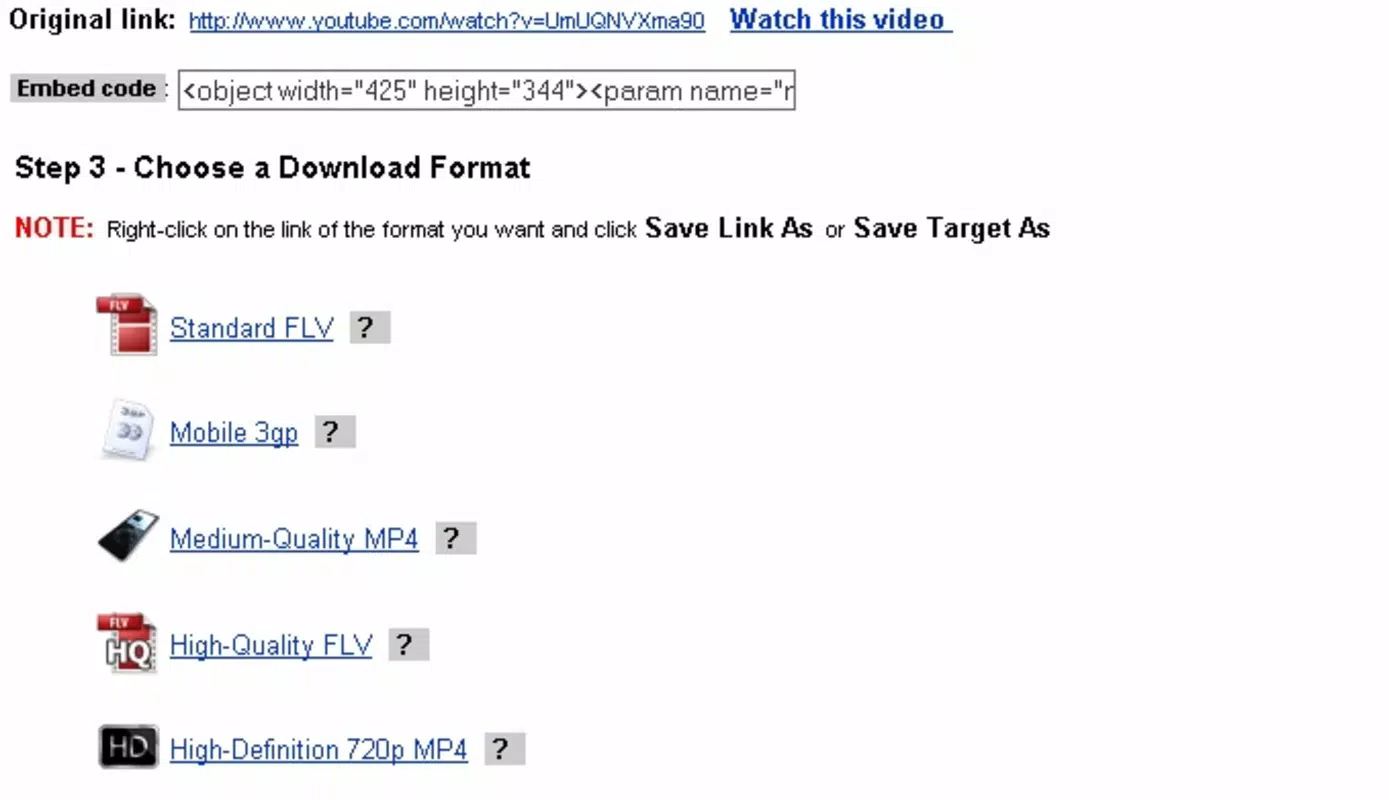
- Multiple Format Options: The app supports various output formats including MP4, 3GP, and FLV. This flexibility ensures compatibility with a wide range of devices, from smartphones to portable media players, allowing users to select the most suitable format based on storage and playback requirements.
- High-Quality Downloads: Users can choose from different quality levels, including HD 720p and Full-HD 1080p. This feature is especially beneficial for users who prioritize visual clarity, such as video editors and content curators who need high-resolution footage for professional or personal projects.
- Multi-Platform Support: Beyond YouTube, the app enables downloads from platforms like Facebook, Vimeo, and Dailymotion. This broad compatibility reduces the need for multiple tools, streamlining the workflow for users who consume content across multiple sites.
- Fast Download Speeds: With an average download speed of 500 kb/s, the app facilitates quick access to downloaded videos. Most full-length videos are completed within minutes, making it efficient for users with time-sensitive needs or large content collections.
- Video Editor-Focused Design: The app is particularly useful for video editors who require rapid access to source material. By enabling fast downloads of high-quality footage, it supports the pre-production phase of video creation, helping users compile reference clips and raw content in minimal time.
Interface, UX & Performance
The YouTube Video Downloader features a clean and straightforward interface, prioritizing ease of use over visual complexity. The layout is designed to guide users through the download process with minimal steps, typically involving pasting a video URL and selecting format and quality. Navigation is intuitive, relying on clear buttons and minimal on-screen clutter, which reduces the learning curve for new users.
Although the developer did not list formal performance metrics, the app’s reported download speed of 500 kb/s suggests a reasonably efficient operation. The interface remains responsive during downloads, and users can typically continue using other functions without significant lag. Stability appears consistent, as the app has remained available for over a decade without reported widespread issues. However, compatibility with newer Android versions and devices may vary, as specific requirements were not disclosed. The app’s lightweight size of 12.5 MB contributes to quick installation and minimal storage impact, making it accessible even on older or low-storage devices.
Platform Compatibility & Technical Requirements
YouTube Video Downloader is available exclusively on the Android platform. It runs on devices supporting the specified operating system, though the developer did not specify minimum OS requirements. The app’s file size is 12.5 MB, which is relatively small and suitable for installation on a wide range of Android devices, including budget smartphones and tablets.
As the app is priced at $0.00, it is accessible to users across different economic backgrounds. The current version is 1.0.5, and while no update history is provided, the app’s longevity suggests ongoing functionality. Users should ensure their device is compatible with Android and has sufficient storage space for downloaded videos, though exact storage needs were not listed.
Pros and Cons
Pros
- Supports multiple video formats for broad device compatibility
- Offers high-quality downloads up to Full-HD 1080p
- Enables downloads from multiple platforms including Facebook and Vimeo
- Fast download speeds with completion in minutes
- Free to download and use, with no in-app purchases
Cons
- Developer did not provide detailed technical specifications
- Compatibility with newer Android versions is unclear
- No information on permissions or data usage
- Version history and update frequency are not disclosed
- Interface may appear outdated compared to modern apps
FAQ
Is YouTube Video Downloader safe to install?
Yes, the app is free and available on official Android channels. However, users should ensure they download from trusted sources to avoid modified or malicious versions.
Can I download videos from YouTube using this app?
Yes, the app is specifically designed to download videos from YouTube, as well as other platforms like Facebook, Vimeo, and Dailymotion.
Does the app support high-definition video downloads?
Yes, users can download videos in HD 720p and Full-HD 1080p quality, ensuring clear and detailed playback.
Is the app available for iOS devices?
The app is currently only available for Android. No iOS version has been released or announced.
How fast are the download speeds?
Users can expect average download speeds of 500 kb/s, allowing most videos to be downloaded within minutes.
Final Thoughts
The YouTube Video Downloader remains a functional and accessible tool for users seeking to save video content from YouTube and other platforms. Its ability to deliver high-quality downloads in multiple formats, coupled with fast speeds and broad platform support, makes it a valuable utility for students, educators, and video creators. While the interface may feel dated and some technical details are missing, the app’s core functionality is reliable and purpose-built. For those needing a free, no-frills solution to download videos for offline use, this app continues to deliver.
Download YouTube Video Downloader now


